The first correct answer wins
The chat handler runs start to finish before the next message is even read, so exactly one viewer can ever take a question — no ties to settle, and no second winner a moment later. Your own account is left out of it.
Run a live quiz show on your broadcast
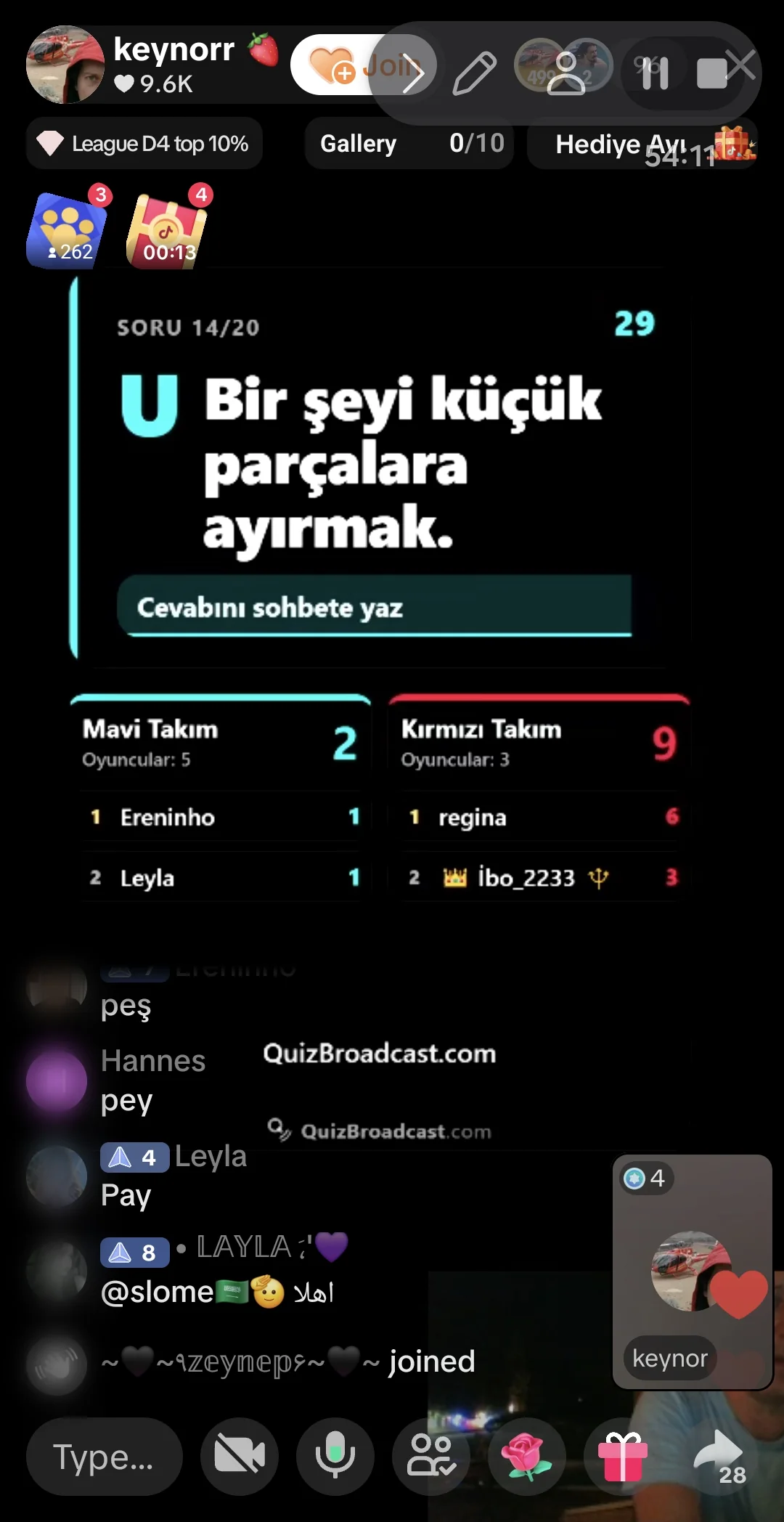
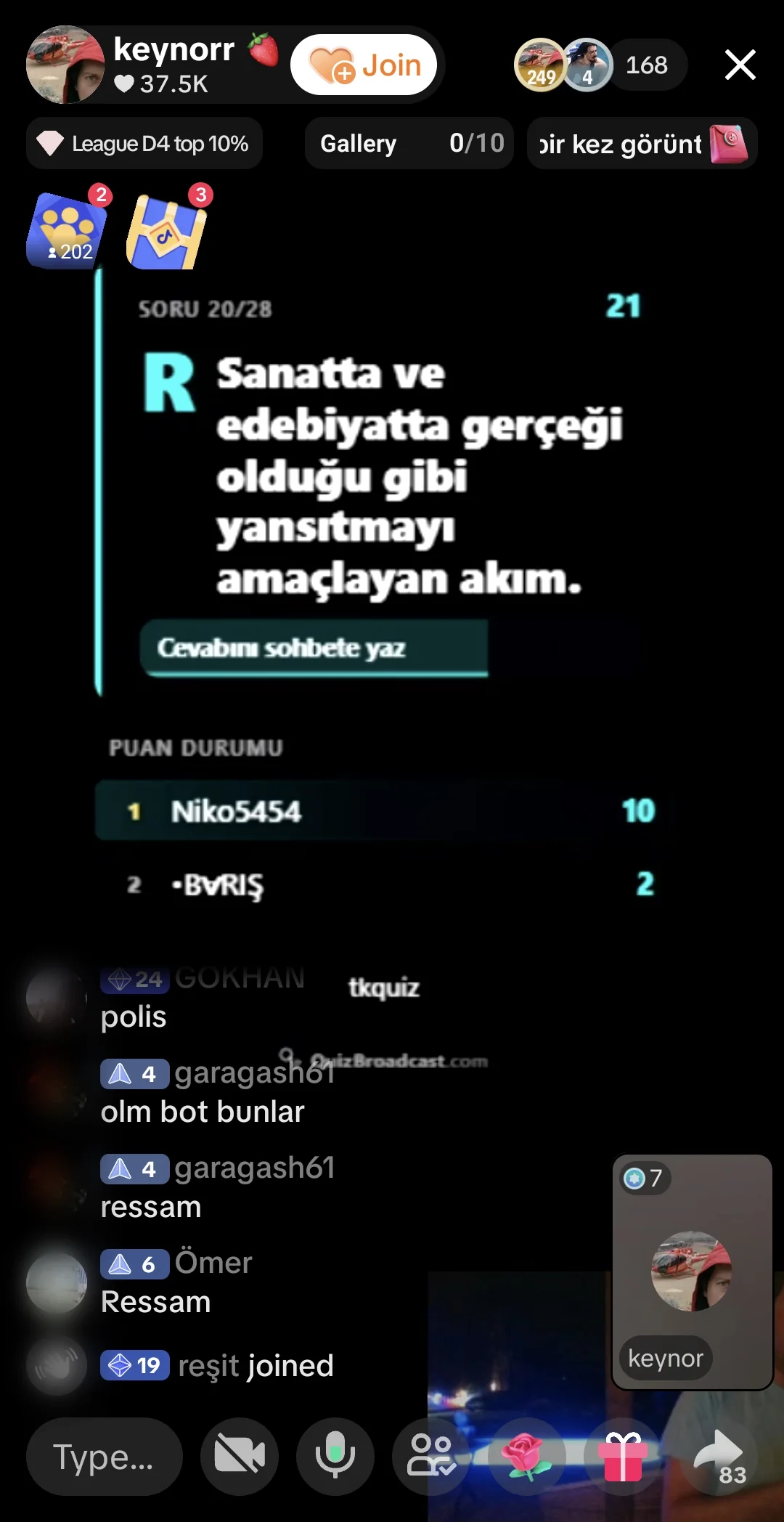
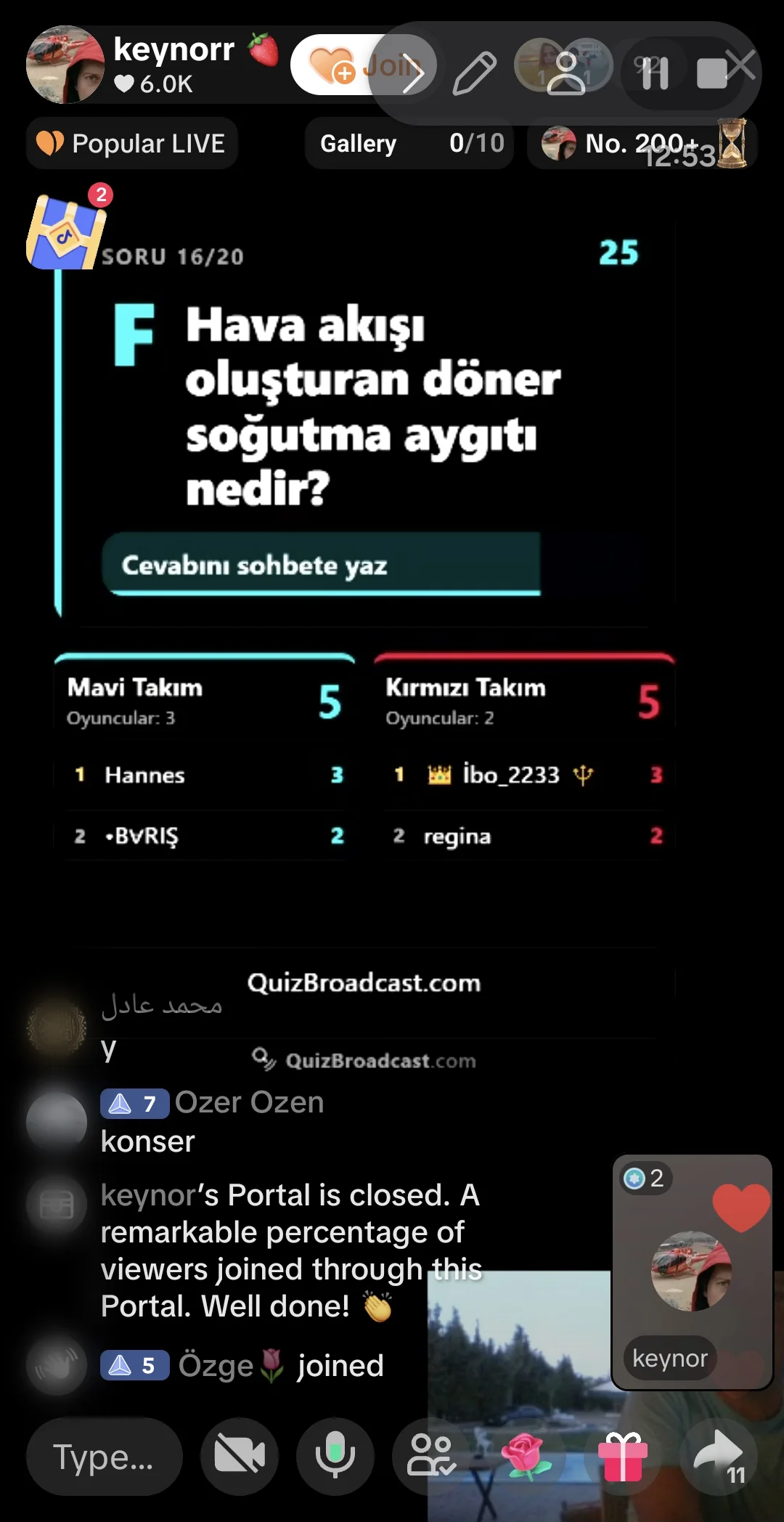
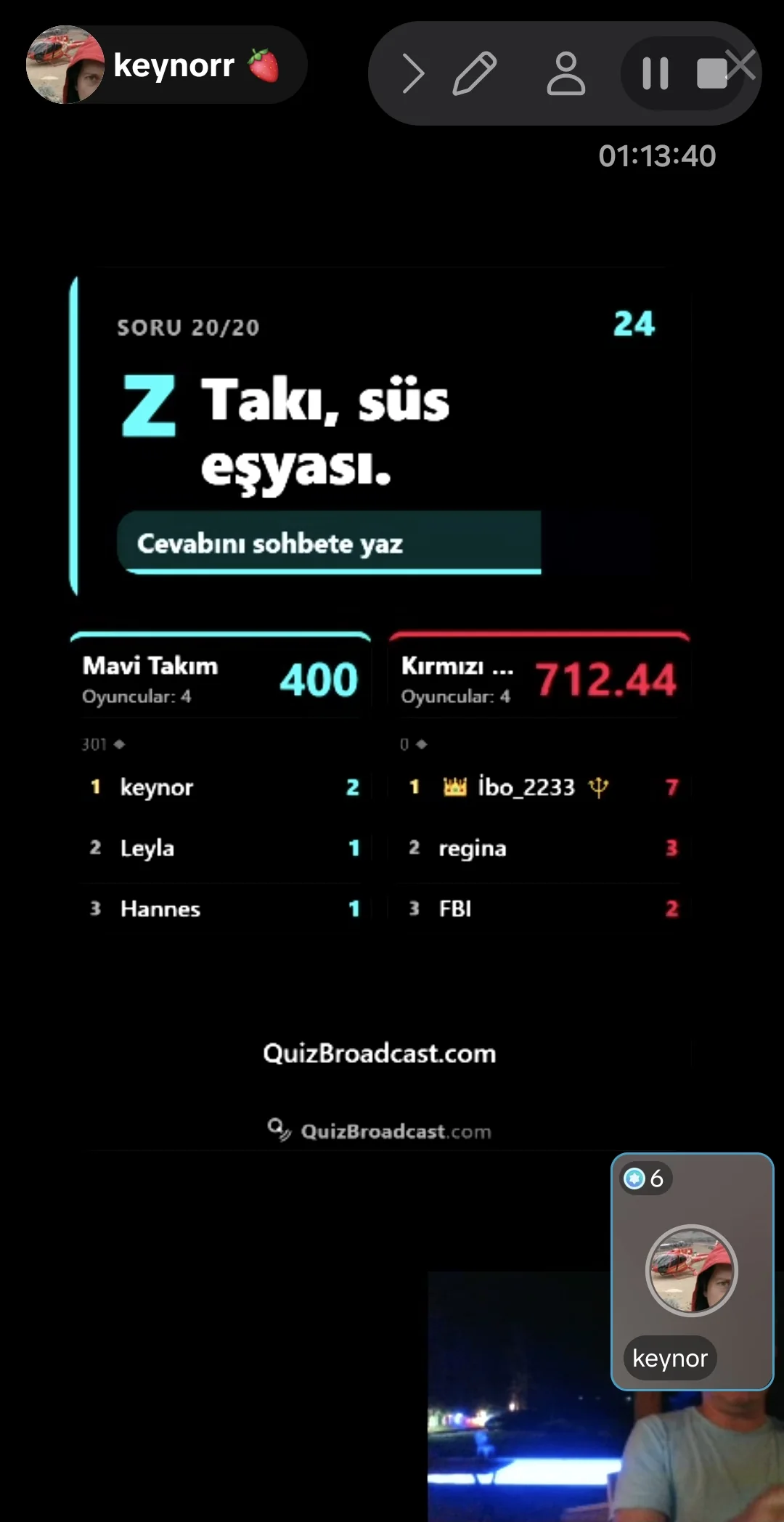
QuizBroadcast reads your live TikTok chat, gives the point to the first viewer who types the right answer, and puts the question, the winner and the scoreboard on your broadcast — on a screen that is transparent everywhere else.
You need a TikTok account that can go LIVE. Nothing to install: on a computer the quiz screen is one Link source in TikTok Live Studio, and from a phone it is one page you share as you go live.
QuizBroadcast costs nothing to use today. Paid plans will come, and nothing you use now starts charging without notice first.
On the dashboard, type the username of the account you go live from, and press Save. When a round starts, the app connects to that account's live chat and reads the answers out of it.
Copy the link from the Broadcast card. In Live Studio choose Add source → Link, paste it in, and set the width to 1080 and the height to 1920. The screen's background is transparent, so place it on top of your scene.
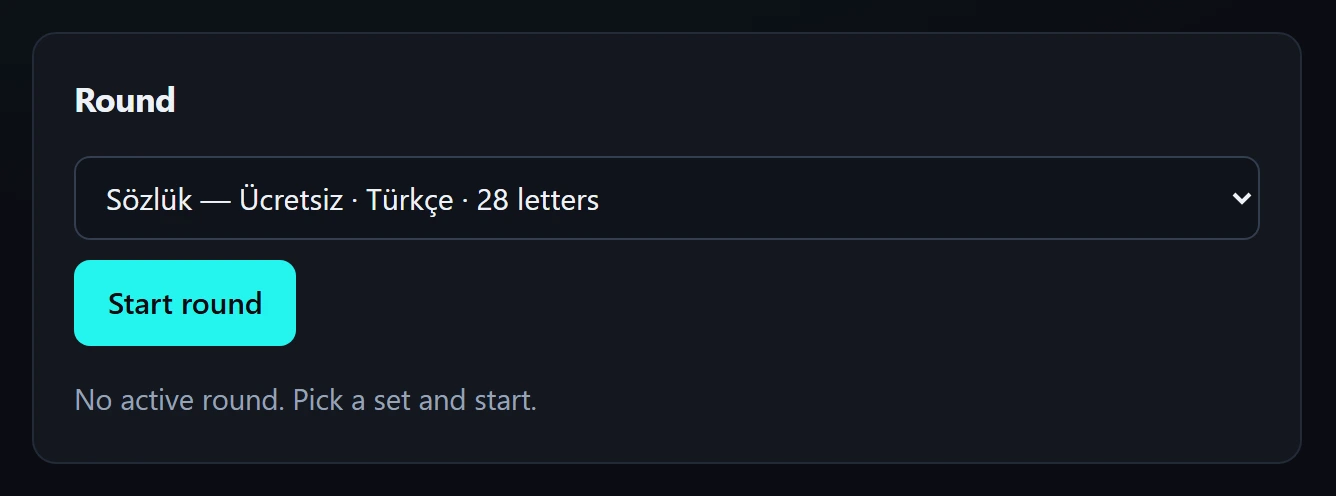
Start your TikTok live first. Then open the broadcast management screen, pick a package from the free question pool in the list and press Start round. The first question goes up straight away. A question set of your own, uploaded on the dashboard, appears in the same list.

The first viewer to type a correct answer in the chat takes the point. Their name goes up on the screen with the answer, the scoreboard updates, and the next question follows after a short break.
The chat handler runs start to finish before the next message is even read, so exactly one viewer can ever take a question — no ties to settle, and no second winner a moment later. Your own account is left out of it.
The background is fully transparent and the page stays blank between rounds, so you can leave the source loaded all show. If it ever reloads, it redraws itself correct — the screen is built from the current state, not from what it happened to miss.
A computer is optional. Go live from your phone and share its screen: one screen shows the quiz and carries the start, pause and end buttons. No Live Studio needed.
Capitals, accents and punctuation never matter, in any script — viewers on phones rarely reach for the right letter. One typo is forgiven on longer answers, but never between two numbers. There is no substring matching, so pasting the question back into chat wins nothing.
sukruŞükrüstrasseStraßeespanolEspañolПетрПётр١٩٤٥1945Design your own broadcast screen. Nothing reaches the live screen until you press Save.
One question per line: Question text | answer | another accepted answer … Lines starting with # are comments.
Run your own ordered question set, or play a shared package in alphabetical, random, multiple-choice, team battle or gift-score team battle form. Both battle types are available with alphabetical and random question order.
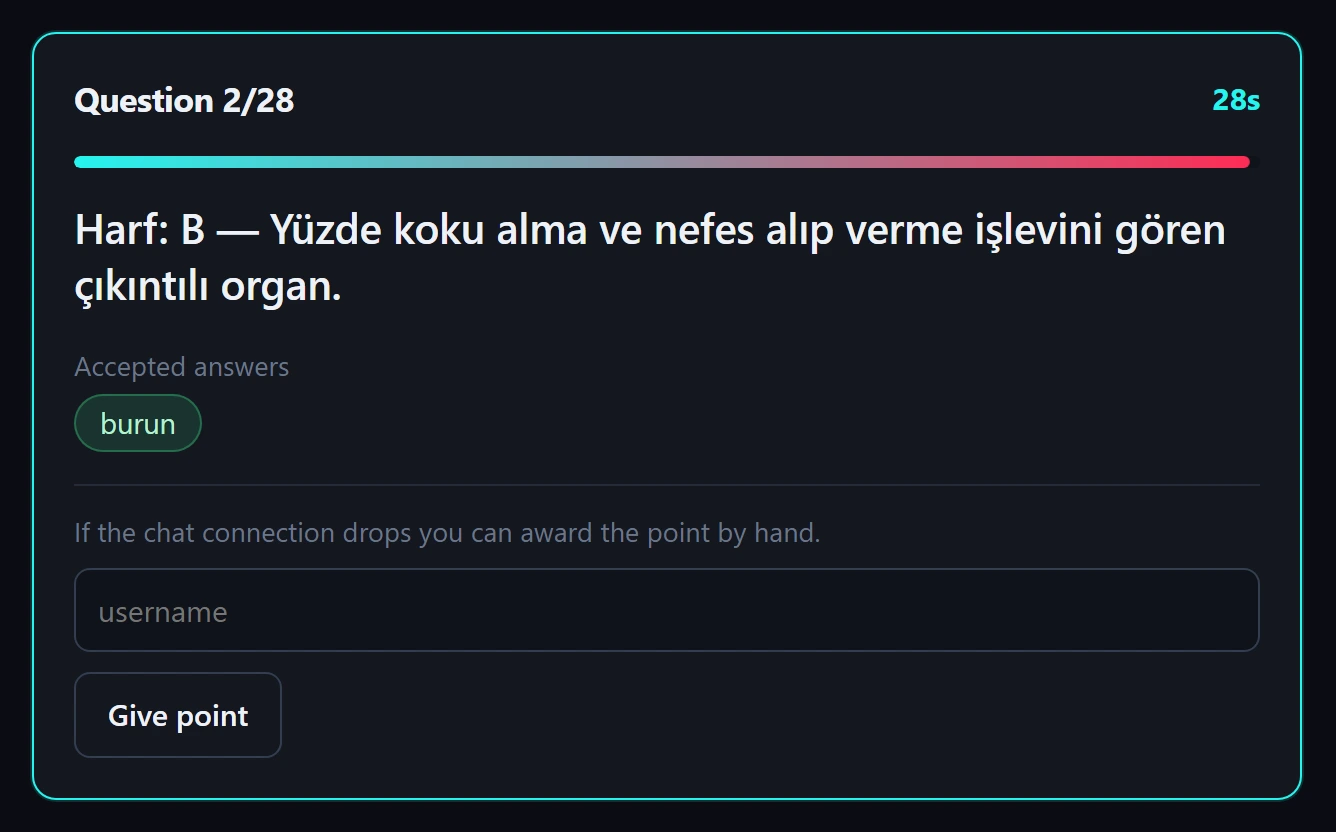
If the chat connection drops you can award the point by hand.
If the server goes down mid-show, the round comes back paused the moment you open the management screen again — scoreboard intact, the interrupted question asked again. Press Resume and carry on.
The server restarted — the round is paused. Press Resume.
Your dashboard, your broadcast screen and the answer matching all speak Turkish, English, Spanish, German, Indonesian, Portuguese, Russian and Arabic. Arabic mirrors the whole interface.
Create an account, upload a question file, and either paste one link into TikTok Live Studio or open the quiz on your phone.
Create accountThat is the whole loop. Every round after this one is only steps 4 to 7.